Project P.I.T.T. Demo Changelog 0.2.8
What changed in the playable demo before the August 19, 2026 launch.
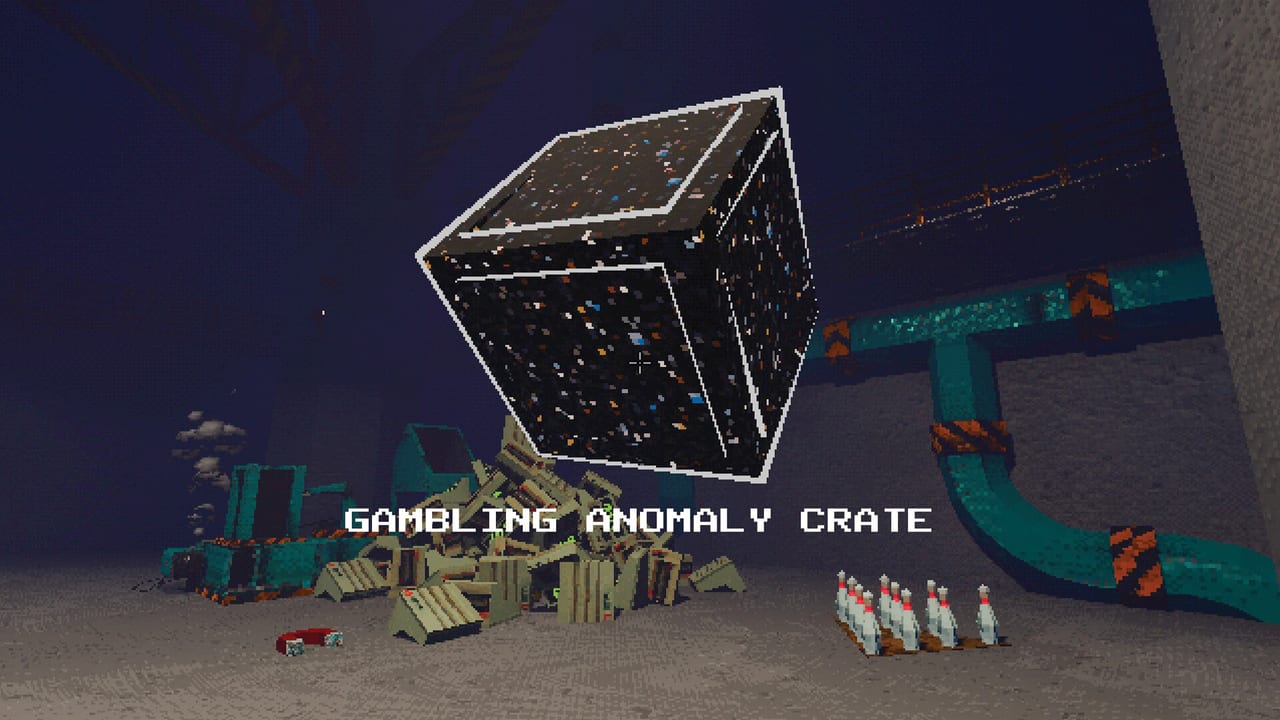
The Project P.I.T.T. demo is not a frozen snapshot. Developer Froke ships meaningful updates on itch and Steam, and version 0.2.8 (with hotfixes through 0.2.8.1) is the largest quality jump many players will feel before the full Steam release on August 19, 2026. This changelog page translates the official notes into intern-friendly language, then points you to the wiki guides that teach the new systems.
If you last played an older build, expect three shocks: tools no longer dump into the terminal as a pure shopping list, a Golf Club and Remote exist with discovery unlocks, and controllers finally cover the full shift. Pair this page with Release Date and Demo for storefront facts and Demo vs Full Game for what still waits behind the launch door.
Unlock progression replaces price-only shopping
Previously, almost everything sat behind money in the upgrade terminal. In 0.2.8, tools, toys, and upgrades appear after you feed The Maw and discover interactions. Notifications fire when something unlocks. Early sessions feel less like reading a catalog and more like earning privileges.
Practical impact: do not panic if the terminal looks empty. Keep crafting rubber ducks, complete clean feeds, place a few different tools, and explore graffiti hints on walls. Discovery walkthroughs live in Unlock Progression and spend order still benefits from Early Upgrades Tier List.
Golf Club and Remote
Golf Club — charge, aim, and smack products toward The Maw with trajectory preview and power control. Land a long shot for a Hole-in-One bonus. Unlock condition: throw a product into The Maw from 15+ meters. Deep dive: Golf Club and Remote.
Remote — link multiple tools at any distance, then toggle them together. Unlock condition: have three or more different tools placed and toggled at once. Perfect for fans and magnets that need synchronized bursts during combo windows — see How to Chain Combos.
Controllers, localization, and presentation
Full gamepad support with rebindable inputs covers menus and facility work. If you play couch-style, open Controller and Gamepad before blaming sticky panels on sticks.
The demo also ships fuller English/French localization for UI, tooltips, tips, and notifications. More languages may arrive later; this wiki still covers English, French, German, and Spanish for guide depth.
Presentation polish includes splash logos, loading screens, an elevator intro with music, an observation window that sometimes feels watched, graffiti hints toward unlocks, decorative pipes and cables, and alarm lights when you try to leave before clearing cameras. The demo now has a clearer beginning and ending stats screen.
Performance and bug fixes that matter
Lazy asset loading stops multi-second freezes on first boot. Memory-leak risks in long sessions were addressed, gambling crate particles cleaned up, freezes reduced, tool collisions improved while moving, and some lights converted for better frame times. Exploits like dragging a duck back and forth in the pit for repeat payouts were closed. Automated workbench speed now saves correctly; max money no longer goes negative at absurd values.
If your machine still stutters once ducks pile up, follow Performance Settings: disable the retro effect, drop graphics to LOW, and thin simultaneous movers.
Full-game teases already implemented behind the curtain
Cash registers with dedicated workbenches, slick panels (conveyor-like surfaces), and cushion panels (soft landings) are being polished for the full release — not in the demo yet. Keep wishlist expectations aligned with Demo vs Full Game.
How to update and verify your build
On Steam, update the Project P.I.T.T. Demo app. On itch, download the latest Windows, macOS, or Linux zip labeled 0.2.8.1 or newer. After updating, start a fresh shift once so elevator intro and save/load fixes apply cleanly, then reopen your favorite automation from Automation Builds.
Recommended reading after this changelog
- Unlock Progression — earn the terminal listing
- Golf Club and Remote — toys with real combo value
- Controller and Gamepad — stick layouts
- Performance Settings — keep the facility fluid
- Tips and Secrets — pillars, sticky panels, height countdown
This page will expand when Froke publishes the next demo note. Until then, treat 0.2.8 as the baseline for every other guide on the wiki.
Frequently Asked Questions
Quick answers about the full game, The Maw, and day-one patches.
What is the latest demo version?
Demo builds labeled 0.2.8 / 0.2.8.1 on itch and the matching Steam demo. Confirm the version in the store or itch download name before reporting bugs.
Why is my upgrade terminal emptier than older videos?
0.2.8 gates tools and upgrades behind discovery and Maw feeding, not price alone. Keep playing and exploring; items appear with notifications.
How do I unlock the Golf Club?
Throw a product into The Maw from at least 15 meters away. Then open Golf Club and Remote for aim and Hole-in-One tips.
Does the demo support controllers now?
Yes. Full gamepad support with rebinds arrived in 0.2.8. See Controller and Gamepad for facility workflows on stick.
Are slick panels and cash registers in the demo?
No. Those systems are implemented for the full game polish pass and are not part of the current demo phase.