Project P.I.T.T. Getting Started
Your first internship shift — ducks, The Maw, and early unlocks.
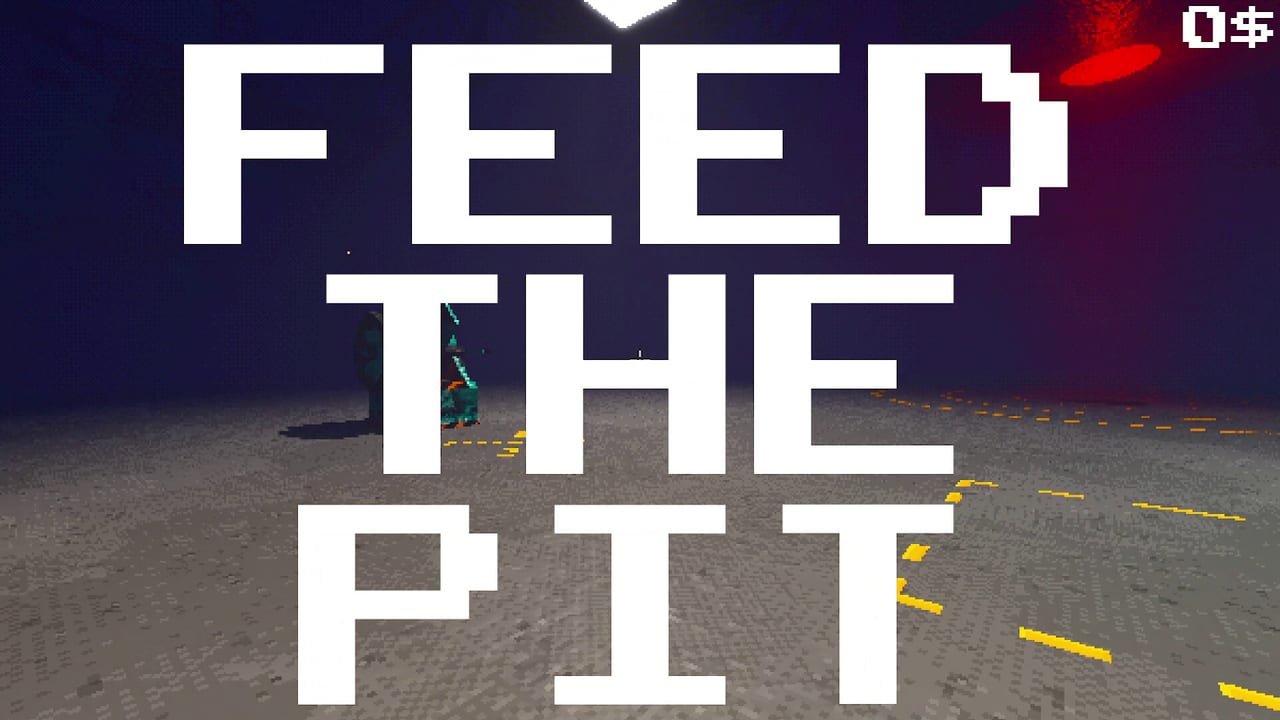
Project P.I.T.T. drops you into a brutalist corporate facility as a brand-new intern. Your job sounds simple: craft rubber ducks and feed them into The Maw, a bottomless pit that grows hungrier — and physically larger — the more you satisfy it. Behind that joke sits a serious physics automation sandbox. This getting-started guide covers the first-hour loop so you leave the orientation posters behind and start building systems that work without constant babysitting.
The game is single-player on Steam, developed by Froke and published by Pretty Soon. A free demo still covers phase-one duck production. The full game released August 19, 2026 with three extra phases, extra tools and products, and gambling systems. Everything below still matches the intern loop while flagging what expands later. For calendar and price, see Launch Notes and Release Date and Demo. For the four-phase map, see Full Walkthrough.
The intern loop in one paragraph
Craft or retrieve a product (starting with rubber ducks), move it to The Maw, release it into the pit, earn resources, unlock tools and upgrades, then rebuild your route so the next duck needs less of your hands. Combos reward clean, rapid feeds with escalating audio and visual feedback. Failures are physics failures: bad angles, jammed panels, magnets pulling the wrong way. Treat every spill as data, not punishment.
Before you craft anything
Learn the Controls map early. WASD moves, Space jumps, C crouches, Shift sprints, F interacts, left mouse picks up, right mouse throws after you unlock throwing, middle mouse rotates held objects, and R toggles snap mode for precise placement. Spend five minutes grabbing, rotating, and setting objects down near The Maw before you chase throughput. Poor placement habits cost more time than slow crafting.
Walk the facility once with your hands empty. Note workstations, tool spawn or unlock points, container piles, and clear sightlines to The Maw. Height matters when countdown pressure ramps — pillars in the space are your visual rulers. Looking at pillars to judge remaining height is a core tip covered again in Tips and Secrets.
First ducks and first feeds
Start by producing rubber ducks at the available craft or supply points. Carry them carefully; early on you are the conveyor. Approach The Maw with a stable camera, release cleanly, and watch where the duck lands or falls. If products bounce away, change your stand position or wait for throw upgrades instead of force-spamming. Early progress is about reliable single feeds, not cinematic launches.
After a handful of successful dumps, spend your first currency on quality-of-life that reduces travel time or stabilizes placement. Compare options against the Early Upgrades Tier List and the broader Tier List hub so you do not buy novelty tools before your hands can keep up. When Sticky tools for panels appear, treat them as a routing milestone — sticky panels turn temporary scaffolds into repeatable paths. Details live under Upgrades and Physics Tools.
When to automate
Automate only after you can feed The Maw consistently by hand for several minutes without losing ducks off-map. Premature fan and magnet mazes create lag and frustration. A good first machine is a short path: spawn or drop point, one directing device, one ramp or panel, Maw mouth. Expand only when that triangle is stable. The full recipe library sits in How to Automate and Automation Builds.
Tools you will meet early include fans, magnets, panels, pistons, launchers, brooms, a golf club for playful redirection, and remotes for triggering at distance. You do not need every tool on day one. Rank them with the Tools Tier List and the Tools hub after you understand your bottleneck — carry distance, height, jam rate, or launch power.
Products, boxes, and what comes next
Ducks are the demo’s headline product, but boxes and containers already teach stacking, nesting, and awkward collision shapes. Read Rubber Ducks and Products and Boxes and Containers from the Items hub so you recognize when a container is a payload versus a logistics helper. Full game phases introduce stranger products and assembly logic; keep expectations flexible until August 19.
Performance and comfort settings
The PSX-inspired retro look is part of the satire, but it can tax weaker machines when physics objects pile up. If the facility stutters, turn off the retro effect and set graphics to LOW, then rebuild with fewer simultaneous movers. Automation that looks impressive but tanks the frame rate is a failed build in this genre. More tuning notes are in Tips and Secrets.
Suggested first-session checklist
- Confirm controls and practice grab, rotate, snap, and interact near a safe clear floor.
- Complete several clean Maw feeds with rubber ducks only.
- Unlock one movement or placement upgrade before exotic launchers.
- Build a three-device mini line and watch it for two full cycles without touching it.
- Practice one short combo string — see How to Chain Combos.
- Note pillar heights for countdown awareness.
- Bookmark this wiki’s Guides Hub and Links for official storefront and community resources.
What success looks like after one hour
You should know how to craft or obtain ducks, feed The Maw without losing products, place at least one panel or fan with intent, survive a minor jam, and understand that Sticky panel upgrades are the bridge from toy builds to real automation. You should also know where demo content ends relative to the full game so wishlist expectations stay sane.
If you prefer a narrative walkthrough of the same beats, continue with the Demo Walkthrough. If your hands already itch for machinery, jump to automation and tools pages. Either path works — Project P.I.T.T. rewards curiosity as long as you keep The Maw fed.
Frequently Asked Questions
Quick answers about the full game, The Maw, and day-one patches.
What is The Maw in Project P.I.T.T.?
The Maw is the corporate pit at the center of the facility. You feed it rubber ducks and later other products; it grows larger and hungrier as production escalates.
Is there still a free demo after launch?
Yes. A free Steam and itch.io demo covering phase one remains. The full game, out August 19, 2026, adds three more phases, later products, and gambling systems.
Should I automate immediately?
No. Master reliable hand feeds first, then build a short three-device path. Premature magnet and fan mazes create jams and lag before you understand failure modes.
Who made Project P.I.T.T.?
Froke developed the game; Pretty Soon publishes it. It is a single-player Steam title, not a Roblox experience.
What should I unlock first?
Prioritize placement and throughput quality-of-life, then Sticky tools for panels when available. Cross-check Early Upgrades and Tools tier lists before spending on novelty launchers.