Project P.I.T.T. Performance Settings
Keep the facility smooth when duck counts explode.
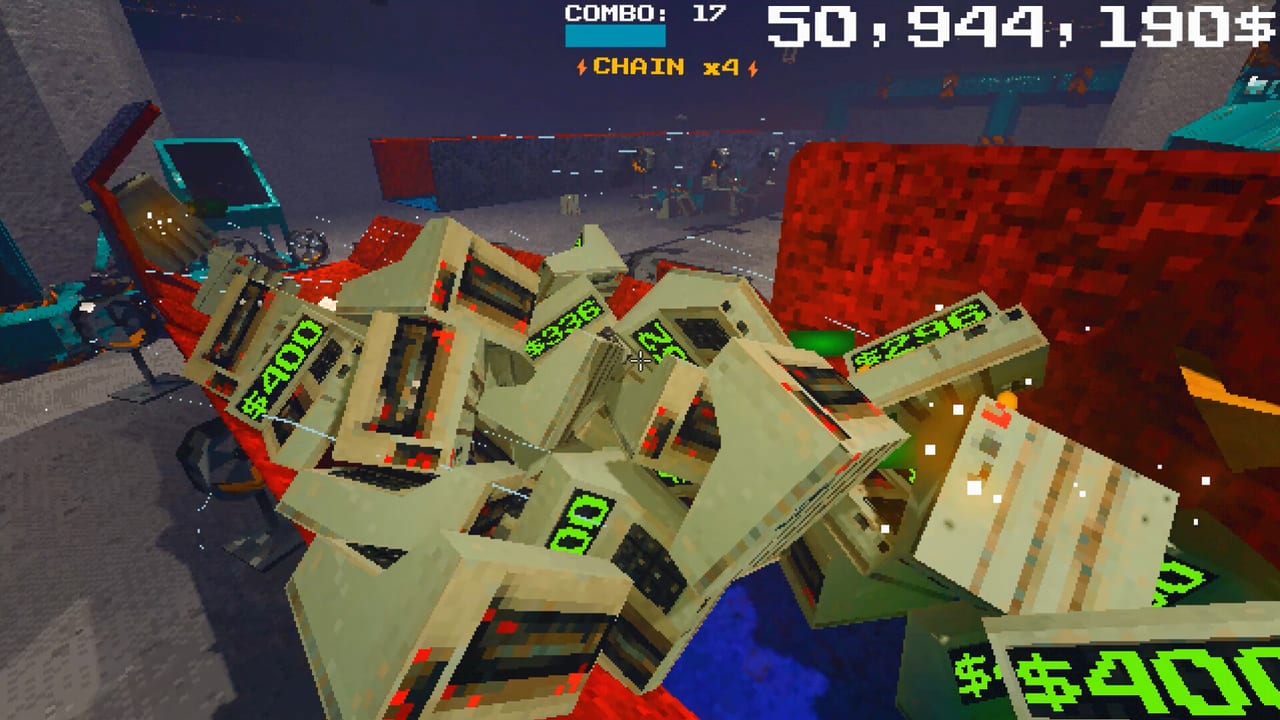
Project P.I.T.T. sells potato-friendly PSX vibes, then dares you to spawn a thousand rubber ducks with fans and magnets. When the frame rate dies, you are not imagining it — physics objects plus retro post-processing are expensive. This guide is the official community FAQ translated into a checklist, updated for demo 0.2.8 lazy loading and leak fixes.
Cross-link Tips and Secrets, How to Automate, and Demo Changelog while you tune.
First levers (do these before rebuilding)
- Turn off the retro effect. Steam community answers list this first. The look is satire; the cost is real.
- Set graphics details to LOW. Shadows and fancy fills are not required to feed The Maw.
- Lower resolution if the GPU still gasps during combo dumps.
- Update to 0.2.8+. Lazy asset loading removes multi-second freezes on boot; long-session leak fixes matter for marathon automation tests.
Design for fewer simultaneous movers
A beautiful twenty-fan cathedral that never rests will stutter on mid-range PCs. Prefer short paths from Automation Builds: spawn → one director → Maw. Batch feeds instead of perpetual particle storms. Pause Remote toggles between combo windows so magnets idle.
When cleaning spills, pick up clusters instead of leaving hundreds of sleepers vibrating against panels. Gambling crate particles were cleaned in 0.2.8, but crates still are not free FPS.
System requirements reality check
Steam minimums cite Windows 10, entry i3/FX CPUs, 4 GB RAM, and GTX 750 Ti / RX 460 class GPUs. Recommended climbs to 8 GB RAM and GTX 1060 / RX 580. macOS and Linux builds exist with their own floors. If you sit near minimums, treat LOW + no retro as mandatory, not optional. Full specs live on Release Date and Demo.
Audio and comfort settings
Combo feedback is loud by design. Use custom volume controls and camera comfort options listed on the store page when sessions run long. Performance and comfort overlap: a calmer camera makes aiming throws cheaper mentally when frames dip.
Diagnose before you rage-rebuild
- Stutter only on first boot → update for lazy loading; wait for caches once.
- Stutter after 30+ minutes → thin objects; restart the shift; confirm 0.2.8 leak fixes.
- Stutter only during Remote blasts → stagger toggles; fewer magnets at once.
- Fine on keyboard, worse on capture overlay → close overlays; they tax the same GPU feeding ducks.
Build discipline that saves FPS
Follow Unlock Progression so you unlock Sticky early and stop leaving loose panels to jitter. Use Tools Tier List to avoid buying redundant fans that only add collisions. Keep Controls snap habits tight so you are not micro-fighting physics every frame.
After August 19
Full-game phases will add denser products and machines. The same performance grammar remains: fewer active bodies, simpler shaders, deliberate Remote bursts. Revisit this page when slick panels and cash registers arrive — conveyor-like surfaces may change collision counts.
Smooth frames are part of throughput. A stable intern out-earns a cinematic slideshow every time.
Frequently Asked Questions
Quick answers about the full game, The Maw, and day-one patches.
What is the fastest lag fix?
Disable the retro effect, set graphics to LOW, and reduce resolution. Then update to demo 0.2.8+ for loading and leak fixes.
Why does my game freeze on first launch?
Older builds preloaded everything. 0.2.8 introduced lazy asset loading so first boots should feel snappier after updating.
Do more fans always mean more money?
Not if they destroy your frame rate and timing. Short stable lines beat chaotic cathedrals on modest PCs.
Where are full system requirements?
See Release Date and Demo for Windows, macOS, and Linux minimum and recommended specs from Steam.