Project P.I.T.T. Golf Club and Remote
Demo 0.2.8 toys that turn distance and sync into profit.
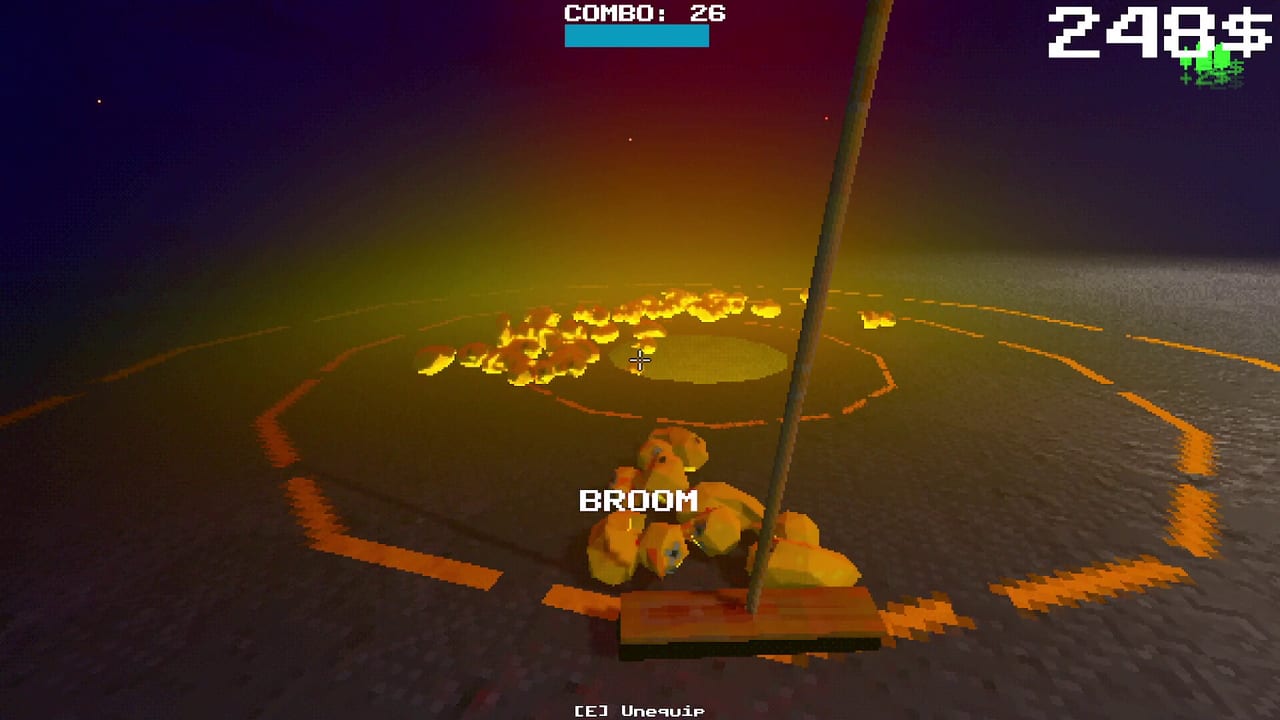
Two headline toys arrived in demo 0.2.8: the Golf Club and the Remote. They look like jokes. Treated carefully, they are combo instruments. This page covers unlock conditions, handling, and how they fit honest automation instead of replacing it.
Prerequisites: Unlock Progression, Physics Tools, and How to Chain Combos. Watch community sessions for trajectory intuition, then build your own lane discipline.
Golf Club — unlock and use
Unlock: throw any product into The Maw from 15 meters or more. Clear clutter, unlock throw quality-of-life if needed, and treat the attempt as a discovery shot rather than a combo shot.
Use: charge, aim with trajectory preview, adjust power (mouse wheel or D-pad on controller), and smack products toward the pit. Collision audio sells the satire; the Hole-in-One bonus pays when a long-range shot sinks cleanly.
Strengths: recovers strays, seeds distant piles, creates burst feeds when fans are offline. Risks: early Golf Club income can outshine boring Sticky work — community voices already call long snipes strong. Buy routing upgrades first; see Early Upgrades Tier List.
Practice from a marked line so 15m becomes muscle memory. Controllers should confirm power binds via Controller and Gamepad.
Remote — unlock and use
Unlock: place and toggle three or more different tools simultaneously. A fan, magnet, and panel trio satisfies the spirit even if the layout is temporary.
Use: link tools at any distance, then toggle the group together. That turns staggered fans into a single cue for combo windows. During cleanup, shut the group off so physics can rest — important for Performance Settings.
Strengths: synchronizes burst automation; reduces running between switches. Risks: linked chaos multiplies jams; never Remote-blast a half-built maze.
Combining both toys
A strong mid-demo pattern: Remote-gated fans push ducks into a staging pile; Golf Club or throw finishes awkward outliers; Sticky panels keep the lane honest. Keep the default loop documented in Automation Builds before you golf every duck for content-creator flair.
Economy notes
Hole-in-One payouts and Remote burst feeds can spike money faster than craft upgrades alone. Spend spikes on Sticky reliability and craft speed before duplicating clubs. Gambling crates will not hand you locked toys early anymore — progression still gates the fantasy.
Full-game horizon
Expect more toys and gambling systems after August 19, 2026. Golf Club and Remote teach the design language: discovery unlocks, expressive physics, combo-friendly bursts. Track teases like slick panels in Demo vs Full Game and Demo Changelog.
Quick reference
| Tool | Unlock | Best for | Avoid |
|---|---|---|---|
| Golf Club | 15m+ Maw throw | Distance feeds, cleanup snipes | Ignoring Sticky basics |
| Remote | 3+ different tools toggled | Synced bursts | Permanent max chaos |
Return to Tools Hub after experiments and rewrite your line with one change at a time.
Frequently Asked Questions
Quick answers about the full game, The Maw, and day-one patches.
How do I unlock the Golf Club?
Throw a product into The Maw from at least 15 meters away. Clear a lane and treat it as a discovery throw.
How do I unlock the Remote?
Place and toggle three or more different tools at the same time, then watch for the unlock notification.
Should I buy Golf Club before Sticky tools?
Usually no. Sticky routing creates repeatable income; Golf Club shines as a supplement for distance and cleanup.
Does Remote hurt performance?
It can if you keep every linked tool thrashing. Burst toggle for combos, then idle the group during cleanup.
Are these in the full game?
They are demo 0.2.8 features and should remain part of the toy vocabulary as the full release adds more phases and systems.